Choose a project
Keep up to three projects in focus on Home, or browse the full project list when you need something else.
Return to a project, understand where it stands now, and choose what to do next. StateCarry combines project files, Git, and optional Codex conversations into a compact overview you can inspect.
Apple Silicon macOS · Public beta · Open source

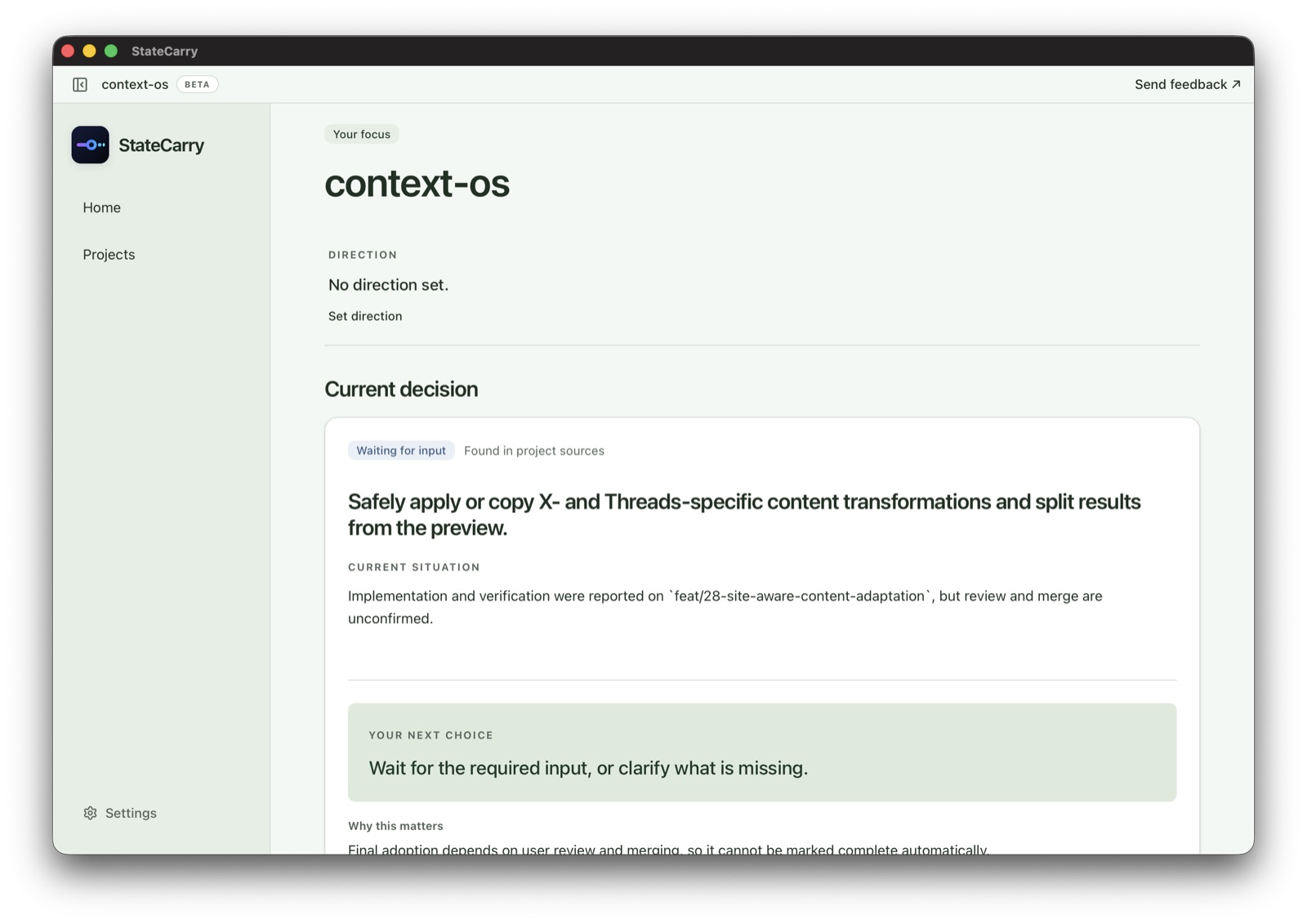
The hard part of interrupted coding work is not reopening the repo. It is figuring out what the current state means and what to do next.
StateCarry keeps the ordinary return path focused on the decision in front of you, with deeper context available when it changes that decision.
Keep up to three projects in focus on Home, or browse the full project list when you need something else.
See the project direction, current situation, next choice, why it matters, and the finish condition when one is available.
Inspect changed Git work, supporting sources, other recorded work, or original records when they can change what you do next.
Start with the project you want to resume. Open deeper context only when it helps you decide what comes next.
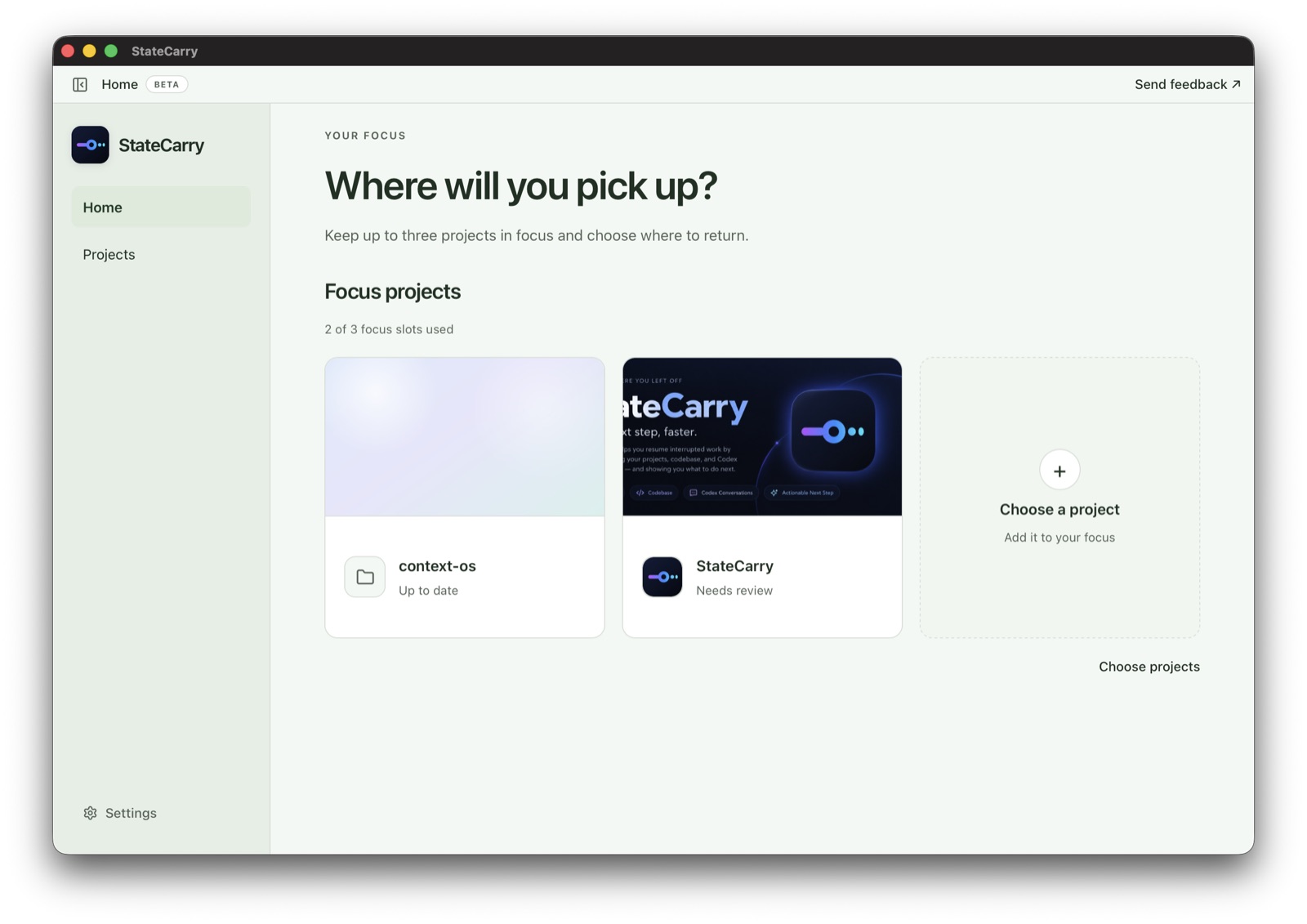
Home holds up to three focus projects without turning recent activity into priority.
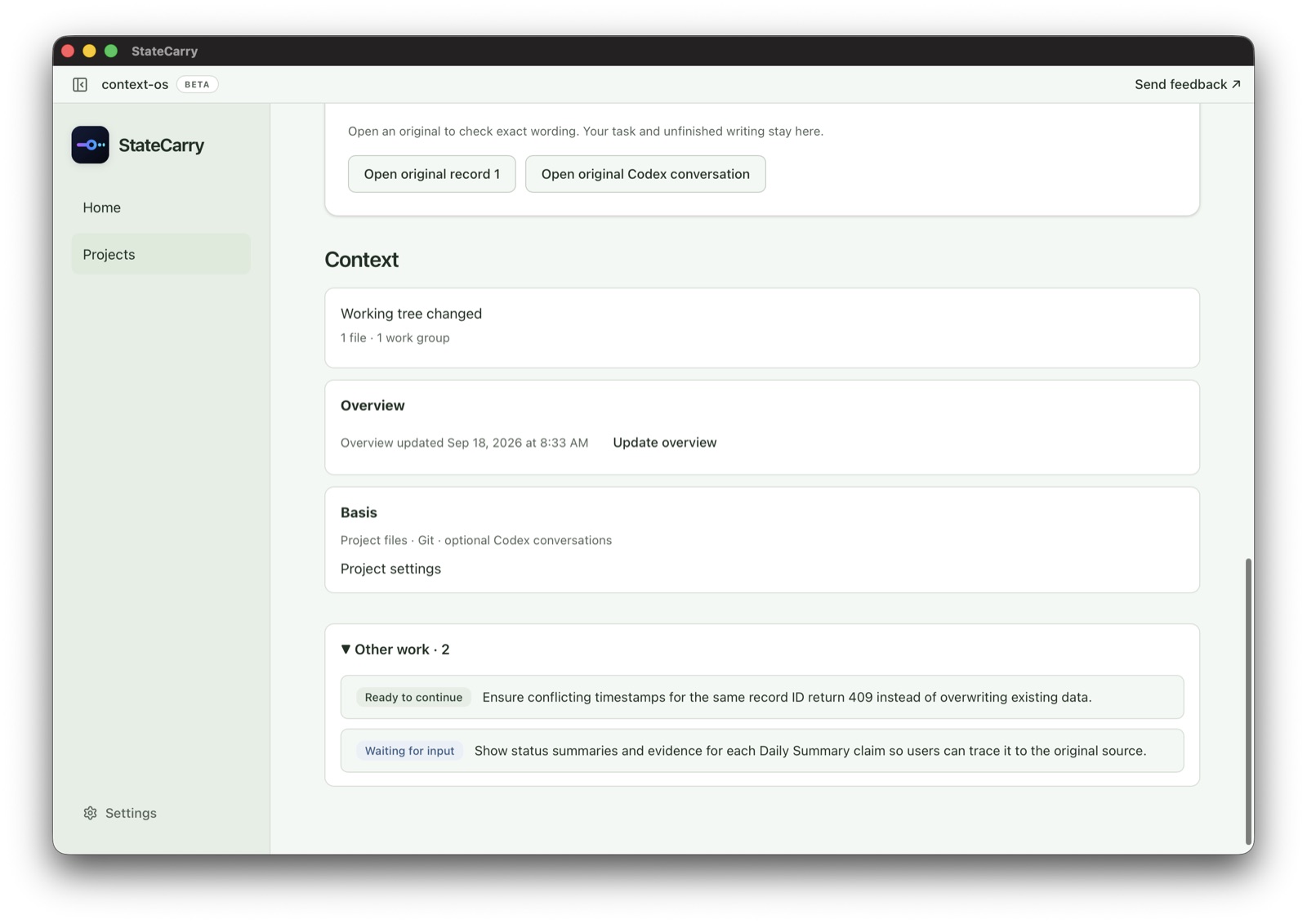
Review changed files and reconstructed work groups, then copy a handoff when you want to continue in a new Codex session.
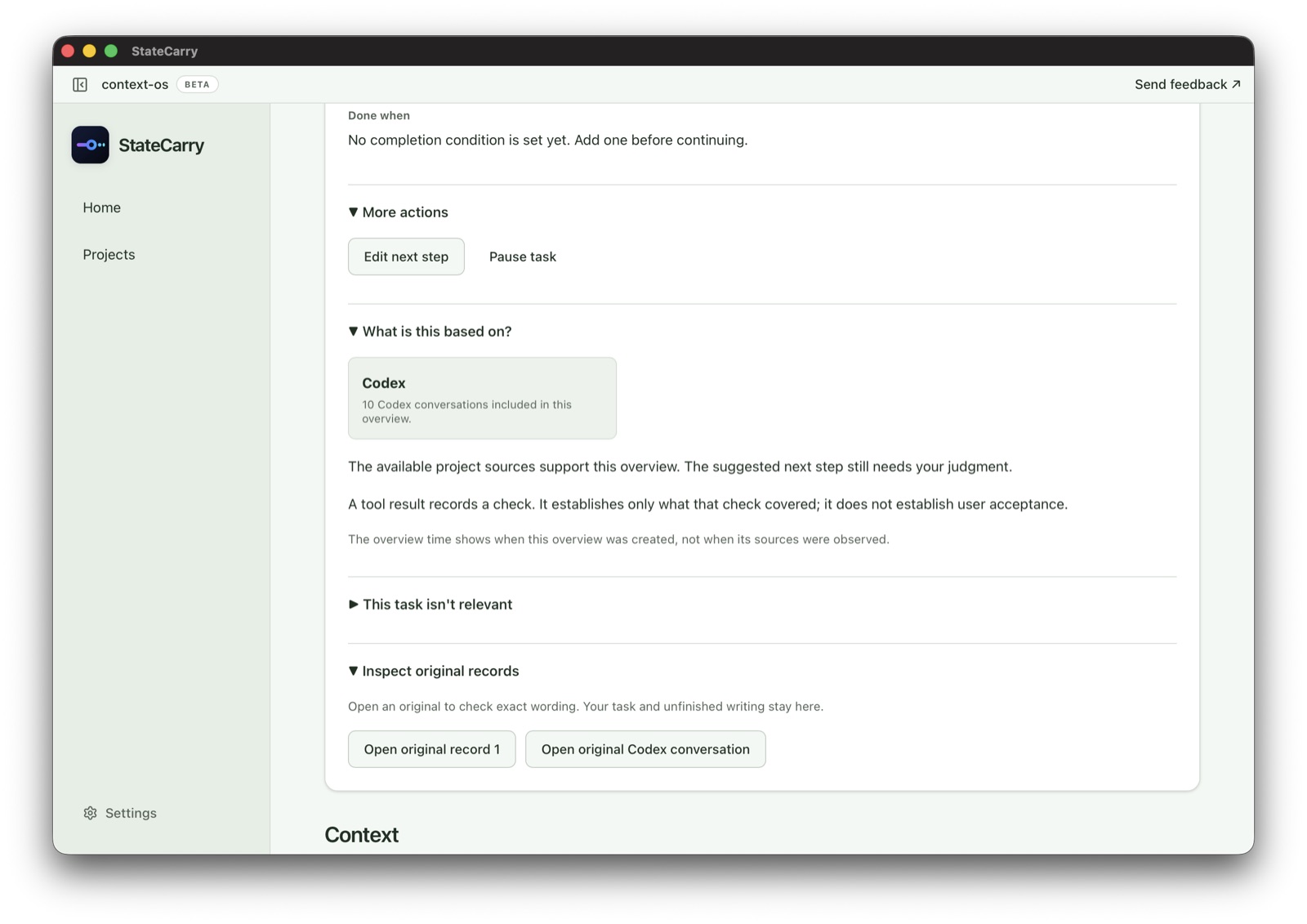
Supporting sources explain what they establish. Original records stay available for deliberate inspection.
StateCarry combines bounded observations from project files and Git with optional selected Codex conversations. The prepared overview stays separate from original records and from your acceptance.
StateCarry runs locally and keeps its project data on your Mac. The current public beta is available for Apple Silicon. You can also review the source and setup docs on GitHub.

For Apple Silicon Macs. Download the latest DMG from GitHub Releases.